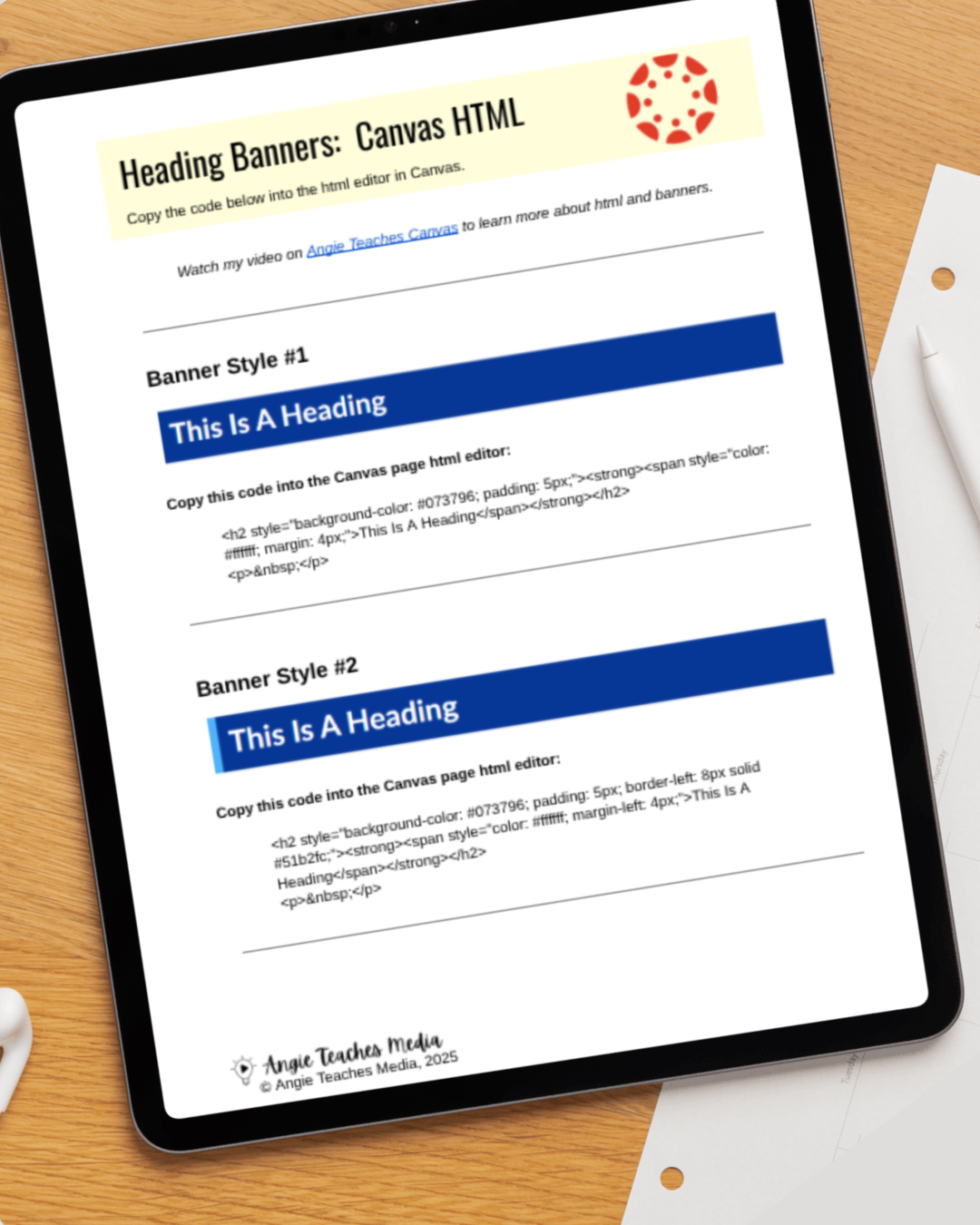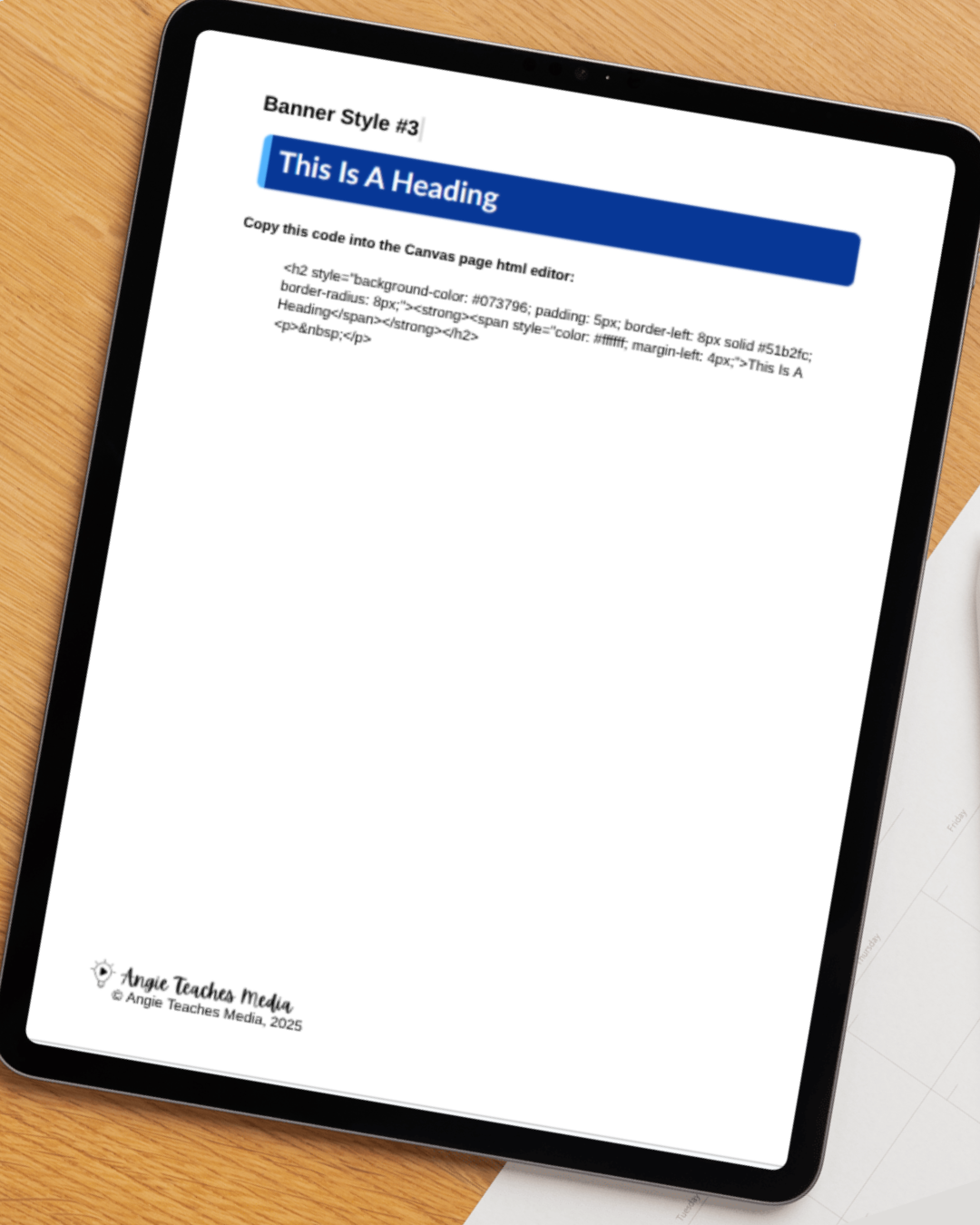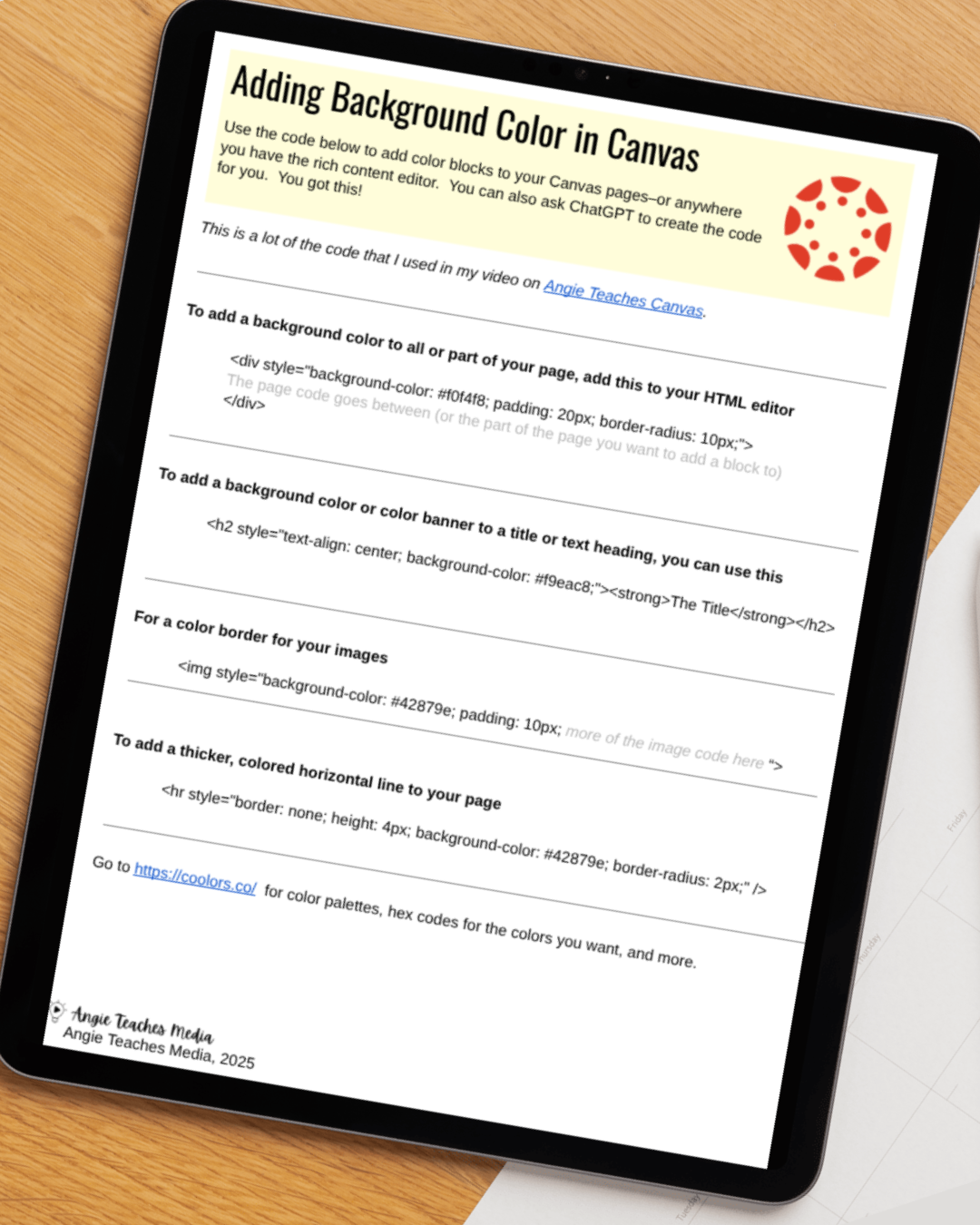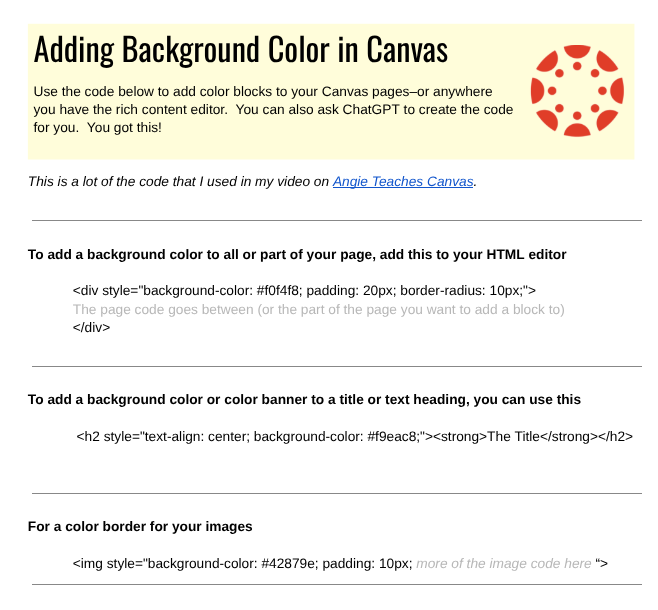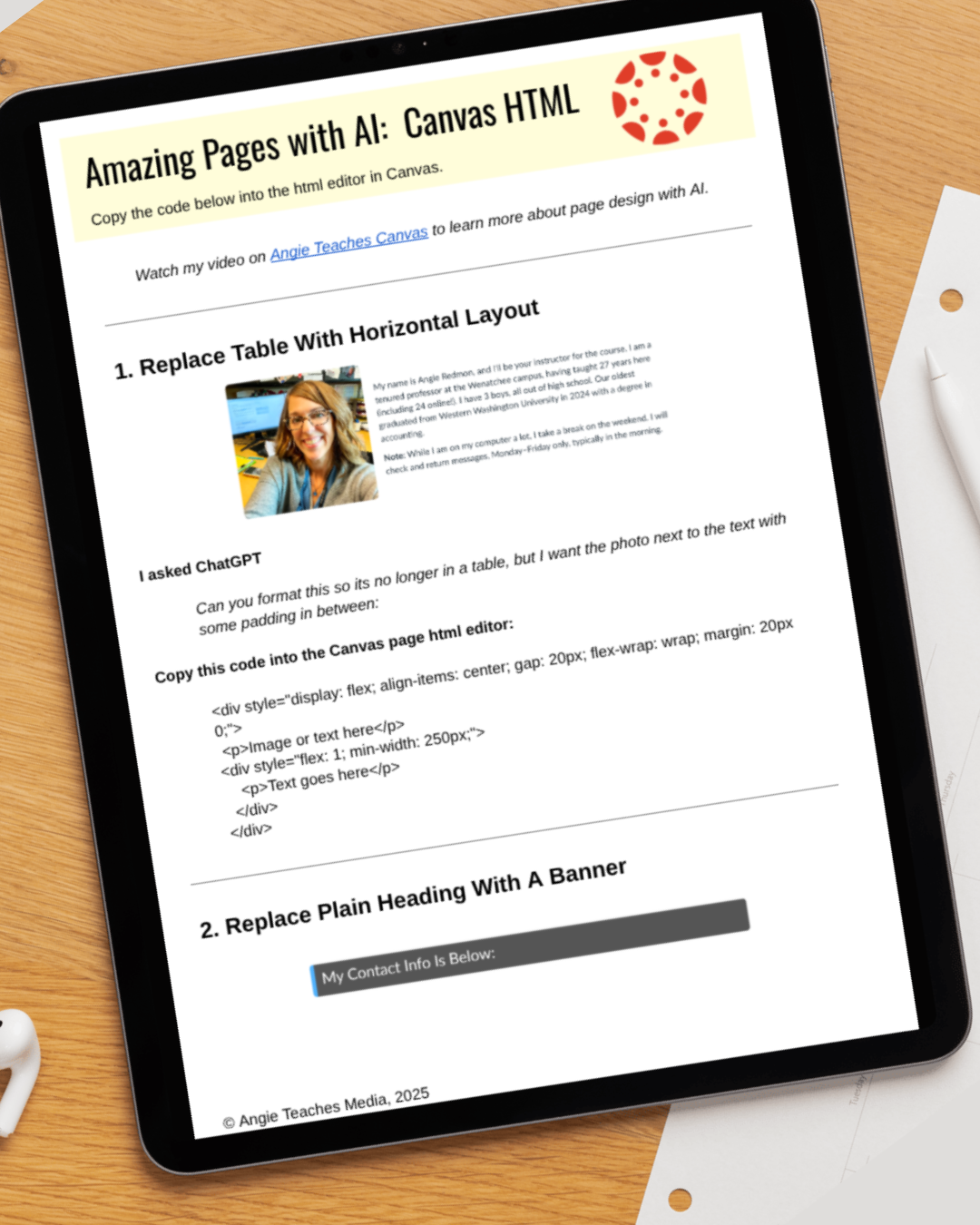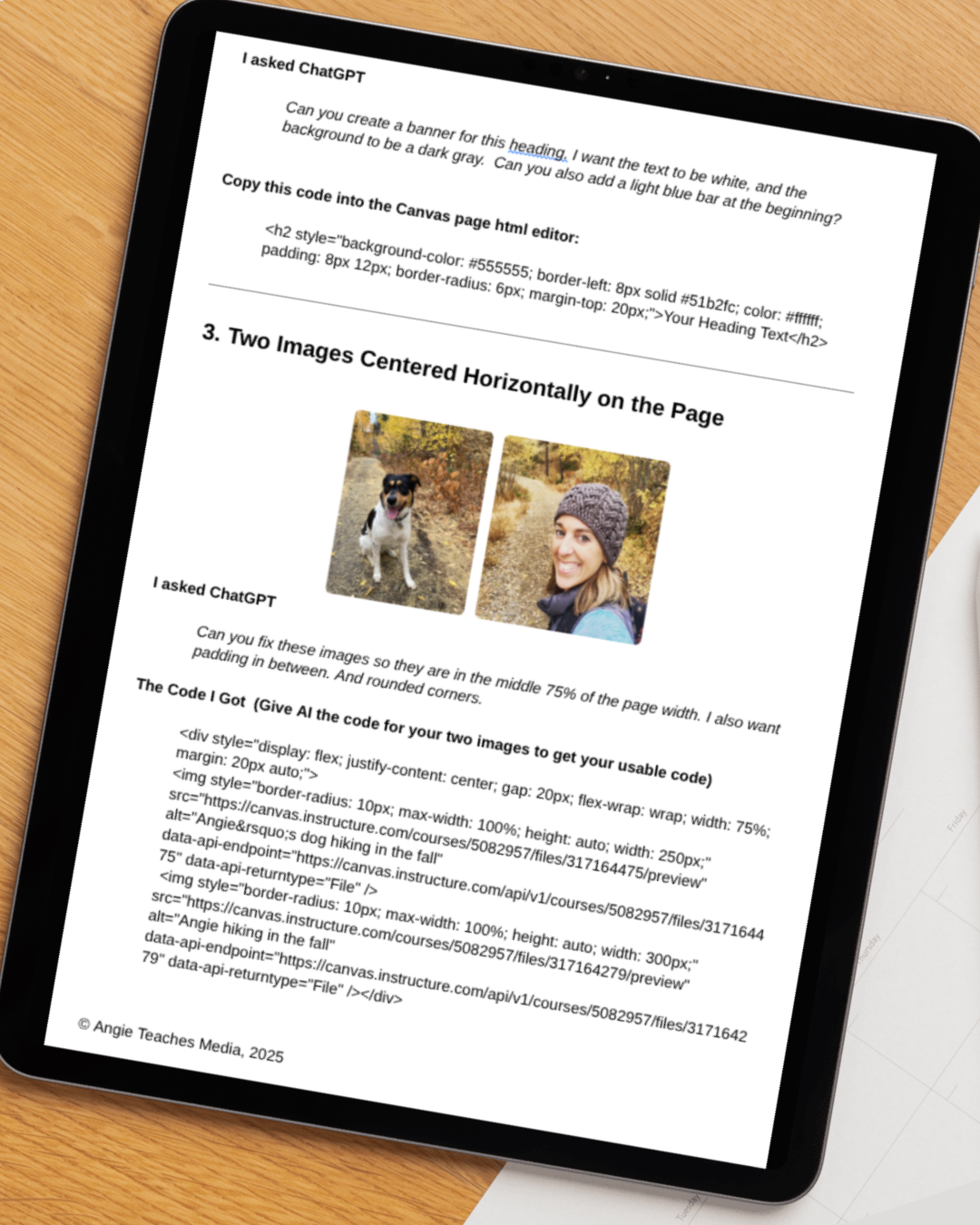

Give your Canvas discussion boards an instant upgrade with this easy-to-use, fully accessible HTML code bundle. Perfect for instructors who want clean, consistent, and visually engaging discussion spaces—without spending hours designing them.
This download includes two copy-and-paste HTML options:
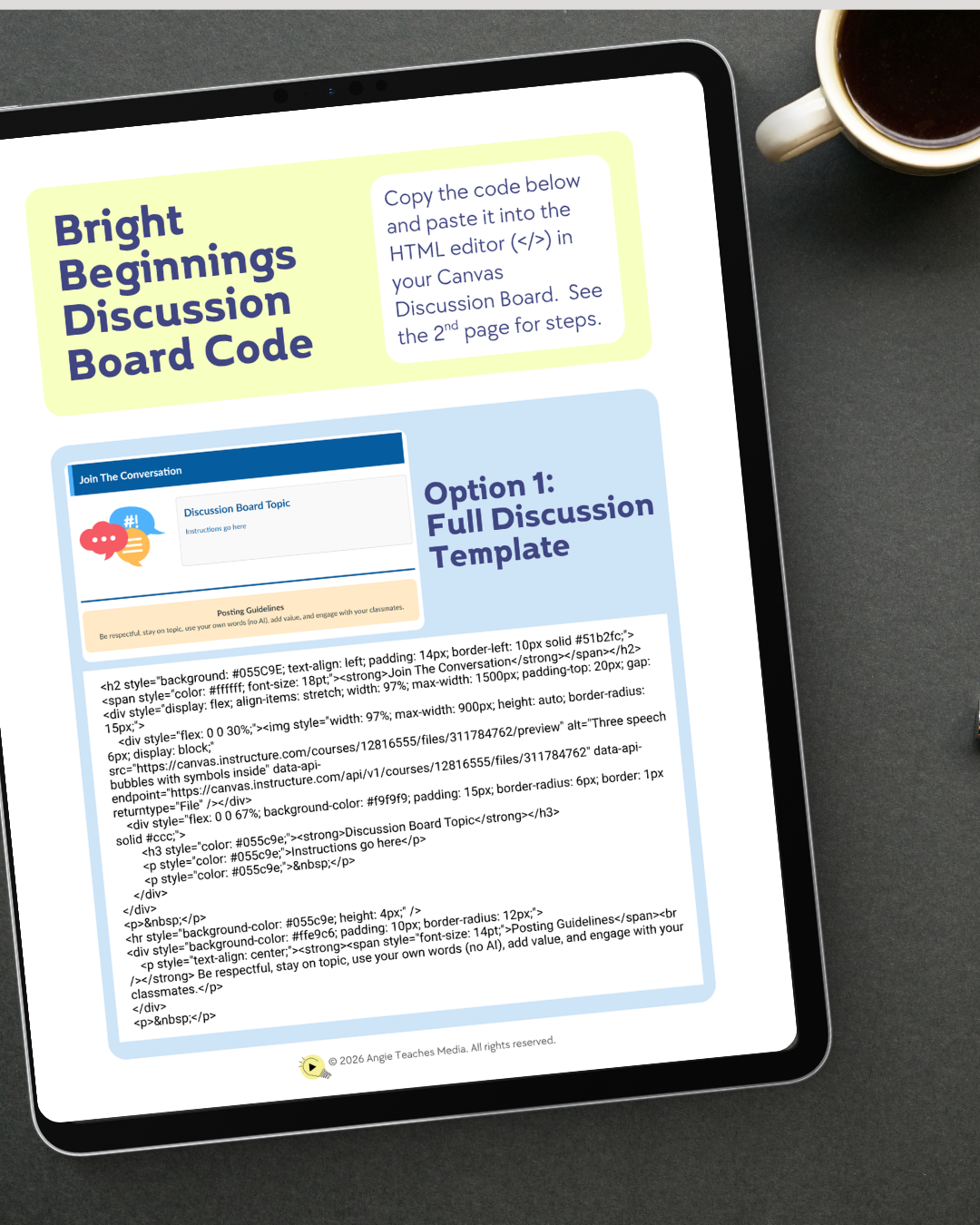
1. Full Discussion Board Template
A complete, beautifully formatted discussion layout featuring:
A bold header banner
Left-aligned discussion image
Clean instructions panel
A built-in Posting Guidelines section
Just drop the code into the Canvas HTML editor, toggle back to the Rich Content Editor, and customize the text for your assignment.
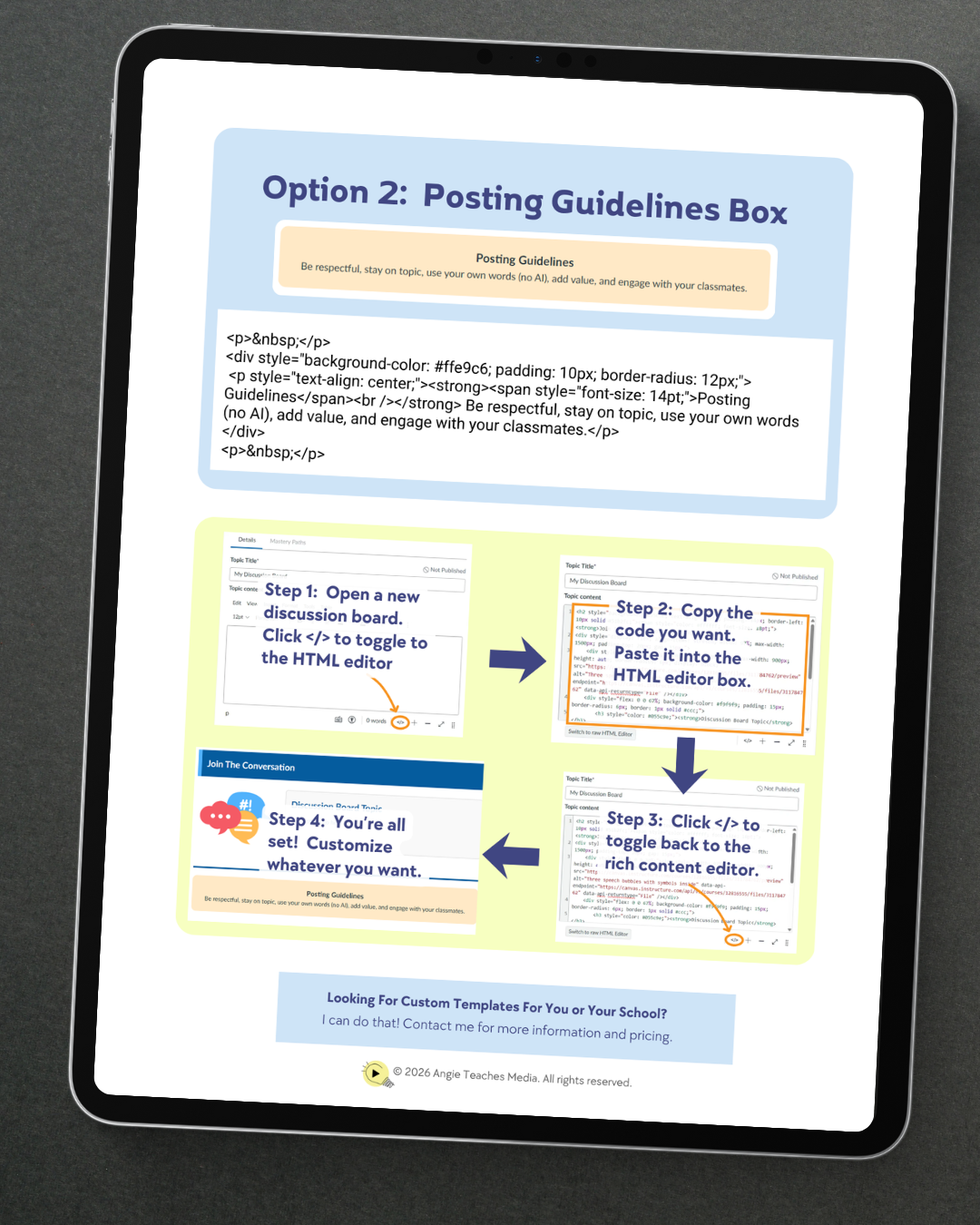
2. Posting Guidelines Call-Out Box
A standalone, ready-made call-out box you can add to any discussion. Helps set expectations by highlighting respectful communication, staying on topic, using original work, and meaningful engagement.
Both versions are designed for quick adoption—perfect for new and experienced Canvas users.
Step-by-step instructions are included to walk you through:
Opening the HTML editor in Canvas
Pasting your selected code
Switching back to the rich editor
Customizing the content to fit your course
This bundle is part of the Bright Beginnings series, created to help instructors build more accessible, welcoming, and visually consistent Canvas courses with zero stress.
Give your Canvas discussion boards an instant upgrade with this easy-to-use, fully accessible HTML code bundle. Perfect for instructors who want clean, consistent, and visually engaging discussion spaces—without spending hours designing them.
This download includes two copy-and-paste HTML options:
1. Full Discussion Board Template
A complete, beautifully formatted discussion layout featuring:
A bold header banner
Left-aligned discussion image
Clean instructions panel
A built-in Posting Guidelines section
Just drop the code into the Canvas HTML editor, toggle back to the Rich Content Editor, and customize the text for your assignment.
2. Posting Guidelines Call-Out Box
A standalone, ready-made call-out box you can add to any discussion. Helps set expectations by highlighting respectful communication, staying on topic, using original work, and meaningful engagement.
Both versions are designed for quick adoption—perfect for new and experienced Canvas users.
Step-by-step instructions are included to walk you through:
Opening the HTML editor in Canvas
Pasting your selected code
Switching back to the rich editor
Customizing the content to fit your course
This bundle is part of the Bright Beginnings series, created to help instructors build more accessible, welcoming, and visually consistent Canvas courses with zero stress.